
Hoymiles
- Home /
- Resources /
- Support /
- Hoymiles
Hoymiles Troubleshooting
Customer Wide Hoymiles Cellular Update
- The Hoymiles monitoring app allows you to monitor your system’s production through your home’s internet connection.
- In monitoring your system’s production, the S-miles Enduser app allows for energy monitoring directly from your cell phone.
- It also helps us make improvements and adjustments. This allows us to track the data more effectively to ensure your system meets the production guarantee.
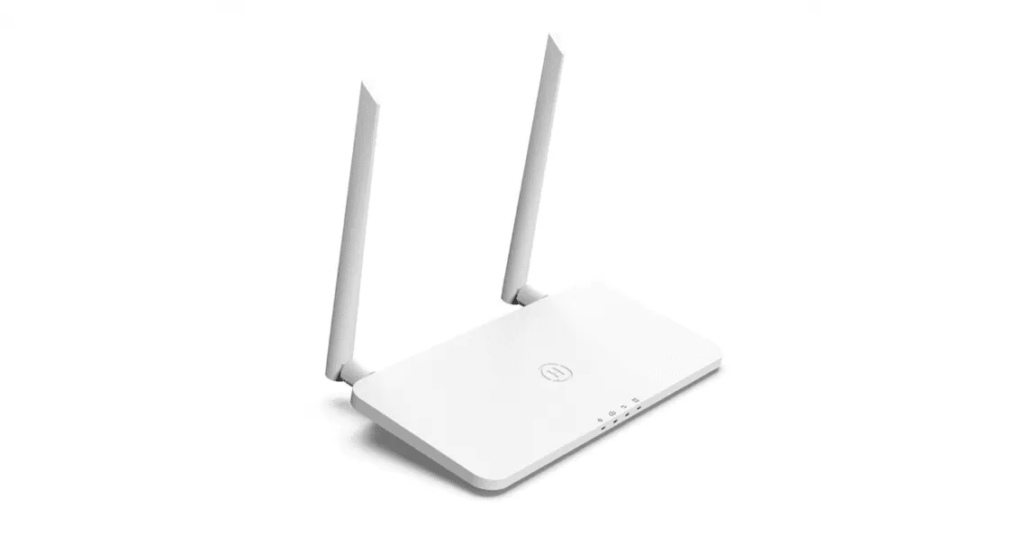
Step-by-step transcript
Customer Wide Hoymiles Cellular Update
1
Connect the phone to DTU wi-fi ( DTUP-(the last digits of the DTU serial number) it should say “connected, no internet” as it’s not an internet device ).
2
Open the S-Miles Enduser app
3
Click on the name icon (little person-looking icon on the left top part).
4
Click on “network configuration”.
5
Select Wi-Fi, remove DTU-W100 info, and enter your home Wi-Fi credentials carefully — mistakes will block the reset.
6
Click “Send to DTU”.
7
Click “Finish”.
Still need more help?